Guide
What is an IPTV service?
How the streams, the credentials and the programme guide fit together — and what to look for before you pay anyone.
An IPTV service delivers live television and on-demand content over your internet connection instead of a cable or satellite line. You receive login credentials, enter them once into an IPTV player app on a device you already own, and the channels load inside that app. The provider supplies the credentials, the servers and the programme guide; you keep your own player and your own hardware.
How does an IPTV service work?
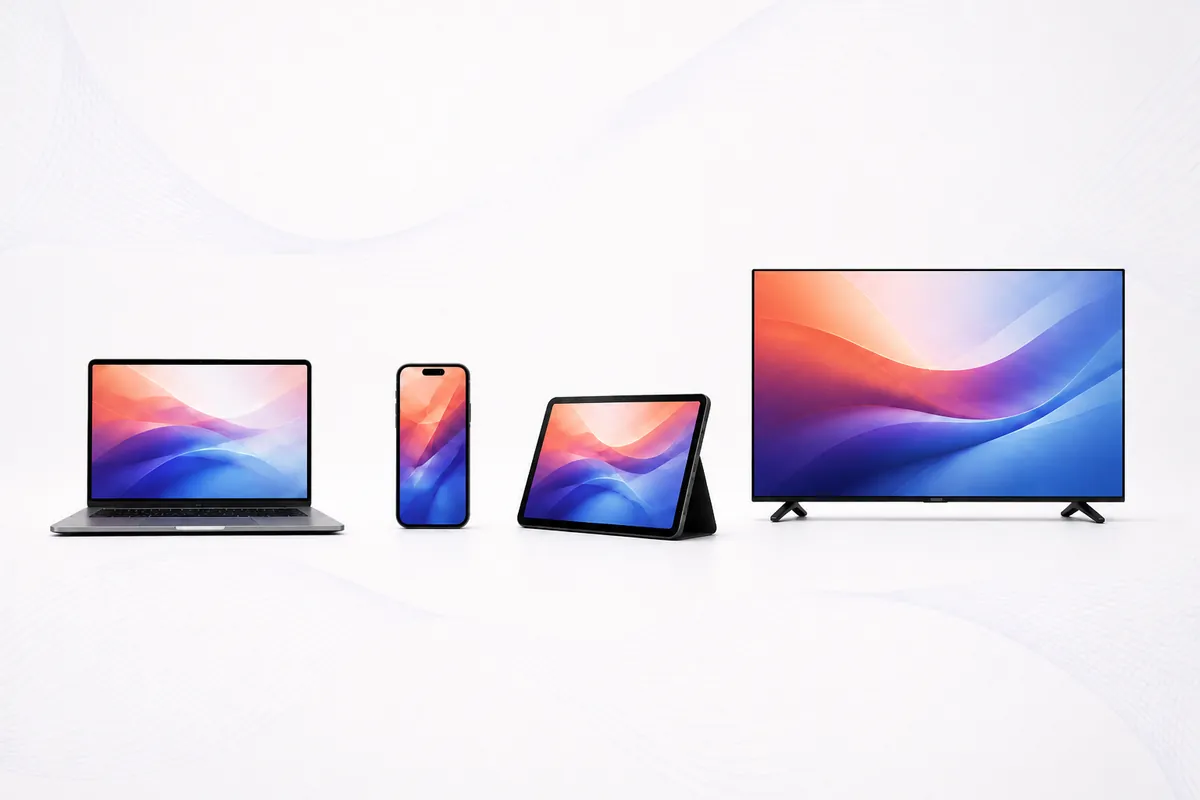
An IPTV service sits between the broadcast source and your screen. The provider maintains servers that carry each channel as a continuous stream, then hands you credentials that let a player app request those streams over your ordinary internet connection. There is no dish, no coaxial line and no set-top box supplied by the provider — the delivery is plain OTT traffic, the same category as any video you already watch online.
Three pieces do the work:
- The stream. Each channel is transcoded to a set of bitrates and delivered as a unicast stream. Most channels are encoded in H.264, with 4K feeds using HEVC / H.265 at 2160p — which is why 4K needs both a capable device and around 25 Mbps of headroom.
- The credentials. Either an Xtream Codes API login or an M3U playlist URL. Xtream is an API, so the player can ask the server for the channel list, the VOD library and your account expiry. An M3U file is static text and carries none of that — see M3U vs Xtream Codes.
- The guide. Programme data arrives as XMLTV and populates the EPG in your player. This is the part most often wrong, because a guide built for another region arrives in the wrong time zone.
Your player assembles those three into something that behaves like cable. Nothing about the arrangement is exotic — it is the same architecture the licensed streaming services use, with a different commercial model behind it.
What do you need to use an IPTV service?
| Requirement | What it means in practice |
|---|---|
| Internet speed | 10-15 Mbps for HD, 25 Mbps or more for 4K. Check yours on Speedtest. |
| A device | Fire TV Stick, Roku, smart TV, Android box, phone, tablet or computer. |
| A player app | IPTV Smarters Pro, TiVimate, IBO, VLC or similar. Free, and yours to choose. |
| Credentials | What you get from the provider. This is the only part you pay for. |
Notably absent: a contract, an installer visit, a rented box, or a credit check.
How do you choose an IPTV service?
Ignore channel counts. Every provider self-reports them, nobody audits them, and the numbers are padded with international feeds you will never open. Judge on things you can verify yourself inside a trial:
- Your own local affiliates. Not "US channels" in general — the local network station for your market.
- The EPG time zone. Open the guide and compare it to what is on air right now.
- Peak-hour behaviour. 1:00 PM Eastern on a big football Sunday, not 10 AM on a Tuesday.
- Player freedom. Standard credentials, or a proprietary app you cannot replace?
- Published prices and policies. Hidden multi-device pricing predicts hidden everything else.
Each of these, applied to us as well as to everyone else, on our IPTV service comparison.
IPTV service vs cable vs live TV streaming
| Cable | Live TV streaming | IPTV service | |
|---|---|---|---|
| Typical monthly cost | ~$127 | $40-$90 | $5-$20 |
| Channels | 100-300 | 35-90 | Thousands |
| Contract | Often | No | No |
| Hardware | Rented box | Any device | Any device |
| Player choice | None | Their app only | Any compatible player |
Cable and streaming figures are typical US market rates and vary by provider and region.
How do you set up an IPTV service?
- Request credentials — you should receive an Xtream Codes login and an M3U link.
- Install a player on your device if you do not already have one.
- Choose the Xtream Codes login option and enter the server URL, username and password.
- Let the channel list download, then wait a minute for the EPG to populate.
- Hide the categories you will never open. On a large list this is the difference between usable and unusable.
Five minutes is typical. Device walkthroughs: Firestick, Roku.
Who is an IPTV service not for?
- Anyone on an unstable connection. No provider can fix a bad line. If your existing streaming already buffers, IPTV will too.
- Anyone who wants a single bill and an installer. This is self-service — you enter credentials into an app yourself.
- Anyone who needs a licensing position beyond any question. Then a licensed US service is the answer, and it costs more for that reason. See IPTV and the law.
Ready to try one?
Our IPTV service issues both credential formats, so you can test it in the player you already use.
Request a trialIPTV basics — questions
What does IPTV stand for?
Internet Protocol Television. It describes the delivery method — television carried over an ordinary internet connection rather than a coaxial cable or a satellite dish.
Is IPTV the same as streaming?
Technically yes. The licensed live-TV streaming services are all IPTV. The word is used differently in marketing than it is in engineering.
Do I need a special box for IPTV?
No. Any device that runs a player app works — a Fire TV Stick, a Roku, a smart TV, a phone or a computer. Dedicated IPTV boxes exist but are optional.
How much internet speed does IPTV need?
Roughly 10-15 Mbps for HD and 25 Mbps or more for 4K. Stability matters more than the headline number — a steady 20 Mbps beats an erratic 200.
What is an EPG?
The electronic programme guide — the on-screen schedule showing what is on each channel now and later. It arrives from the provider as XMLTV data and populates inside your player.
What is VOD?
Video on demand: the library of films and series you can start whenever you like, as opposed to live channels that run to a schedule.
Why do some IPTV services buffer?
Usually one of three things: your connection, an overloaded server at peak hour, or a device too weak for the stream. The first and third are testable in minutes, which is why a trial matters.
Can I use IPTV on more than one TV?
Yes, with more than one simultaneous connection on your plan. See pricing for what additional connections cost.